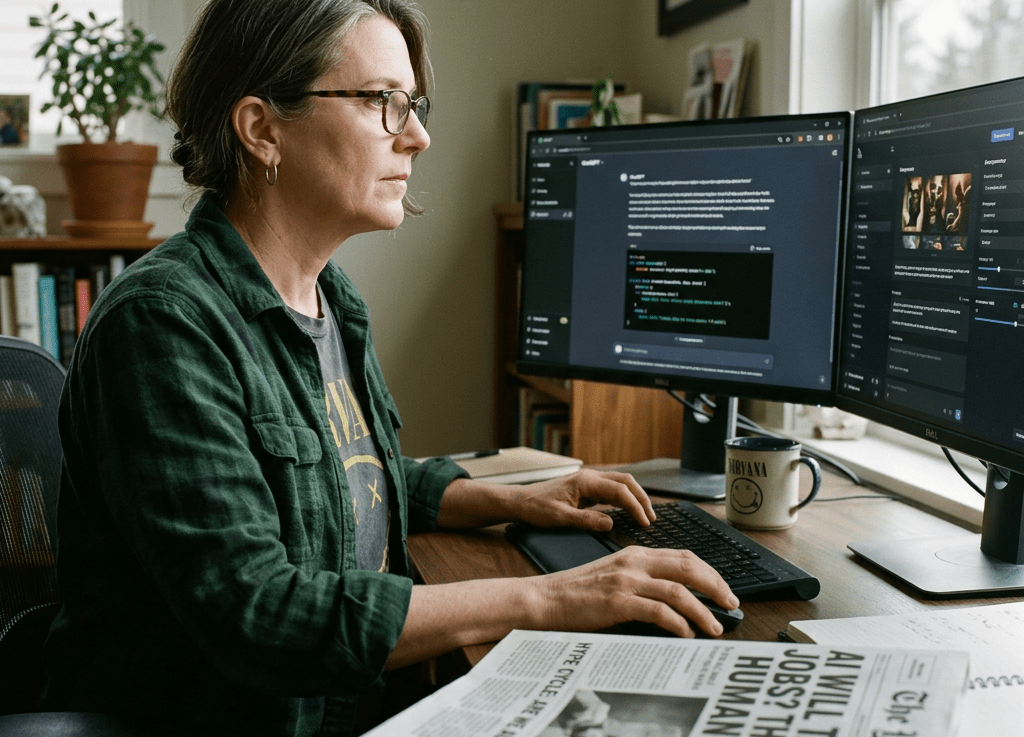
We’ve been here before.
New technology drops, the internet loses its mind, and everyone under 35 tells you this changes everything. Meanwhile you’re sitting there remembering when they said the exact same thing about Second Life, NFTs, and the metaverse.
Here’s what’s different about AI: some of it actually works. Not all of it. Not most of the hype. But enough that ignoring it completely would be the same mistake our parents made when they refused to learn email.
So let’s skip the breathless TED Talk energy. Here’s what GenX content creators are actually running day-to-day, and why we don’t particularly care what the hype cycle says about it.
The Filter We Use Before Adopting Any Tool
There’s a simple GenX adoption test before anything makes the list. Does it save real time on something I actually do? Can I figure it out without watching a 40-minute onboarding video? And is the free tier good enough that I don’t feel played?
Fail that test and it’s out. Simple as that.
1. Claude (Anthropic) – The One That Actually Reads Context
Most people still treat AI assistants like glorified autocomplete. Claude is different. It holds context across a long conversation without losing the thread, which matters a lot when you’re working through something complex rather than just asking it to write a tweet.
For GenX content creators, the use cases are drafting long-form content, refining arguments, and building out automation prompts. It doesn’t talk down to you. It pushes back when your idea has a hole in it. That’s genuinely rare.
The real unlock is the Projects feature. It stores your standing instructions, brand voice, and context permanently. You stop re-explaining yourself every session. For anyone running a content operation solo, it’s the closest thing to having a junior editor who’s always available and never needs managing.
2. Perplexity – Search That Doesn’t Waste Your Time
Google has turned into a slot machine of ads, SEO farms, and Reddit threads from 2019. Perplexity cuts through it. Ask a question, it searches the live web, and it gives you a cited answer in plain language. No ten blue links. No sponsored results front-loaded above everything useful.
For competitive research, fact-checking before publishing, and staying current without doomscrolling, it’s become the go-to. A 2025 HubSpot survey found that over 60% of marketers spend more than three hours a week on search-based research tasks. Perplexity puts a serious dent in that number.
The paid tier adds deeper research modes, but the free version handles 80% of daily lookup tasks. It’s the tool that quietly became indispensable because it just works.
3. Descript – Edit Audio and Video Like a Document
If you’ve been putting off podcasting or short-form video because the editing learning curve looked like a part-time job, Descript is the answer. You edit audio and video by editing the transcript. Delete a word on the page and it’s gone from the recording.
For podcast production, repurposing recorded interviews into clips, and removing filler words in bulk without touching a timeline, it’s a game changer. Productivity researchers consistently point to friction removal as the number one driver of tool adoption among mid-career professionals. Descript eliminates the biggest friction point in video production.
This is the tool that closes the gap between having ideas and actually publishing content.
4. Notion AI – Your Second Brain, Finally With a Brain
Notion has been a productivity favorite for years, but adding AI turned it from a fancy filing system into something that actively helps you think. Summarize meeting notes, pull out action items, draft from a rough outline that’s already sitting in your workspace.
For content calendars, client briefs, project documentation, and knowledge bases you can actually search instead of just stare at, it earns its place.
The key thing is that the AI works inside your data. It’s not a generic chatbot pulling from thin air. It knows what’s in your pages and uses it. That’s the difference between a tool and an actual system.
5. ElevenLabs – Voice That Doesn’t Sound Like a Robot Anymore
Text-to-speech used to be the audio equivalent of clip art. ElevenLabs changed that. You can generate voiceover in a cloned version of your own voice, or pick from a library of realistic voices that don’t sound like they’re reading a terms-of-service document out loud.
YouTube voiceover, podcast intros, accessibility versions of written content, narration for short-form video when you don’t want to be on camera. If you’re still recording every piece of audio manually while producing at any kind of volume, that’s the ROI conversation worth having.
The Download That Goes With This Post
If you’re building a content operation with AI tools, writing, publishing, repurposing, automating, we put the full framework in one place. Check out these free resources that help you navigate AI.
The Bottom Line
You don’t need all five of these. You need the two or three that match how you actually work and what you’re actually trying to accomplish. The GenX advantage here isn’t being early to anything. It’s being selective. We’ve watched enough tech cycles to know the difference between a tool and a trend.
These five passed the filter. The rest is noise.

