Tag: digital-marketing

Smart Content Strategy for Busy Creators

Smart Content Strategy for Busy Creators

Consistency beats perfection. You already know the rule: show up weekly, publish twice a week, stay present. But here’s the part nobody says out loud — you also have a day job, a family, and a life. Every newsletter, blog post, or video costs real time. And the moment you try to be “consistent” across five platforms, you either burn out or disappear.

Most creators hit the wall right here.

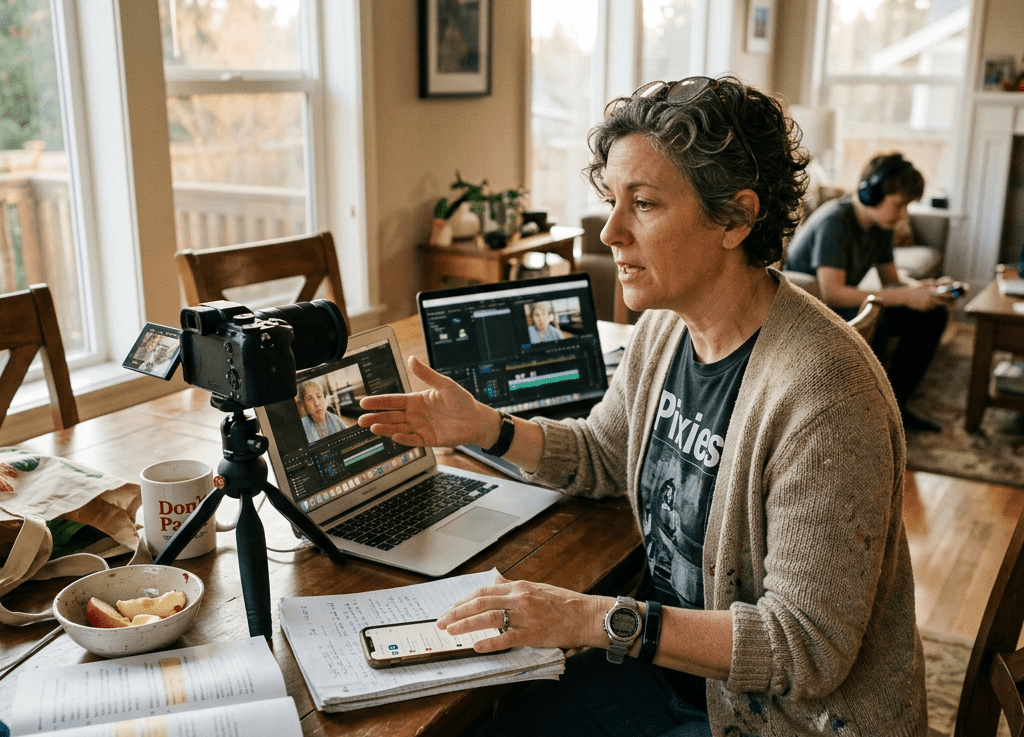
The solution isn’t to ship less. It’s to ship smarter. One weekly core piece — your content mothership — can fuel an entire week of distribution. Not by copy‑pasting the same thing everywhere, but by repurposing it into platform‑native formats. AI handles the grunt work. You handle the voice and judgment.

This is the content system GenX creators actually have time for.

Start With Your Weekly Core: The Mothership

Before you repurpose anything, you need something worth repurposing. For most solo creators, your mothership is one of three things:

  • A weekly newsletter essay
  • A recorded monologue (voice memo, Zoom ramble, video)
  • A long‑form blog post

Pick one. This is your anchor — the piece you’d create even if repurposing didn’t exist.

For GenX creators, this matters. You have a limited energy budget. Your mothership shouldn’t feel like extra work. It’s the one piece where you think, connect dots, and say something real. Everything else is translation.

The Five Directions Your Mothership Goes

You’re not creating five ideas. You’re packaging one idea five ways for five different audiences.

1. LinkedIn: The Professional Angle

Pull the career insight, the workflow evolution, the “here’s what I learned” narrative. Your experience is your advantage — younger creators don’t have it.

2. Twitter/X: The Provocative Angle

Compress the spiciest take into one line + a thread. 1500 words become 1 punchline and 5 supporting points.

3. TikTok/Reels: The Story Moment

Pick one scene, one moment, one decision. Show, don’t tell. Perform it.

4. Email: The Tactical Framework

Extract the actionable checklist. Different audience, different intent.

5. Blog: The Deep‑Dive Expansion

Take one angle and stretch it. You already have the raw material — this is synthesis, not creation.

Same core idea. Five different doors.

The Prompt That Makes AI Repurposing Actually Work

Use this structure:

“Take this core idea [PASTE MOTHERSHIP] and extract the moment/argument/framework that resonates most with a [PLATFORM] audience. Don’t summarize. Find the angle that matters to them. Format it as [FORMAT]. Keep the voice direct and skeptical — this is for a GenX creator.”

This does three things:

  1. Forces AI to choose an angle, not compress everything.
  2. Ensures platform‑native formatting.
  3. Preserves your voice.

You still edit — but you’re editing a usable draft, not a blank page.

The Time Math That Makes This System Work

Your mothership takes ~2 hours. Your remixes take ~45 minutes total with AI.

That’s 2 hours 45 minutes for five pieces of content, instead of 10 hours creating each from scratch.

And the remixes aren’t lower quality — they’re more focused.

The Rule That Keeps Repurposing From Feeling Repetitive

Don’t repurpose the same angle five times.

Your mothership contains multiple threads:

  • Tactical
  • Philosophical
  • Personal
  • Contrarian
  • Story-driven

Assign each thread to a different platform. That’s how you stay consistent without sounding redundant.

The One Thing AI Can’t Do

AI can remix, reframe, and reformat. What it can’t do is decide which angle matters most right now.

That’s editorial judgment. That’s you.

Before you publish anything, ask:

  • Does this reflect what I actually think?
  • Does this angle matter to this audience?
  • Have I said this too recently on this platform?

Those questions keep your content honest.

Why This Matters Now

Your audience is fragmented. Twitter isn’t enough. Email isn’t optional. TikTok is where new audiences discover you. LinkedIn is where your peers live.

But you don’t have time to hand‑craft unique content for each platform.

This system lets you stay present everywhere without burning out.

One mothership. Five remixes. 2 hours 45 minutes instead of 10.
5 AI Tools GenX Is Actually Using (And Why We Don’t Care What the Hype Says)

5 AI Tools GenX Is Actually Using (And Why We Don’t Care What the Hype Says)

We’ve been here before.

New technology drops, the internet loses its mind, and everyone under 35 tells you this changes everything. Meanwhile you’re sitting there remembering when they said the exact same thing about Second Life, NFTs, and the metaverse.

Here’s what’s different about AI: some of it actually works. Not all of it. Not most of the hype. But enough that ignoring it completely would be the same mistake our parents made when they refused to learn email.

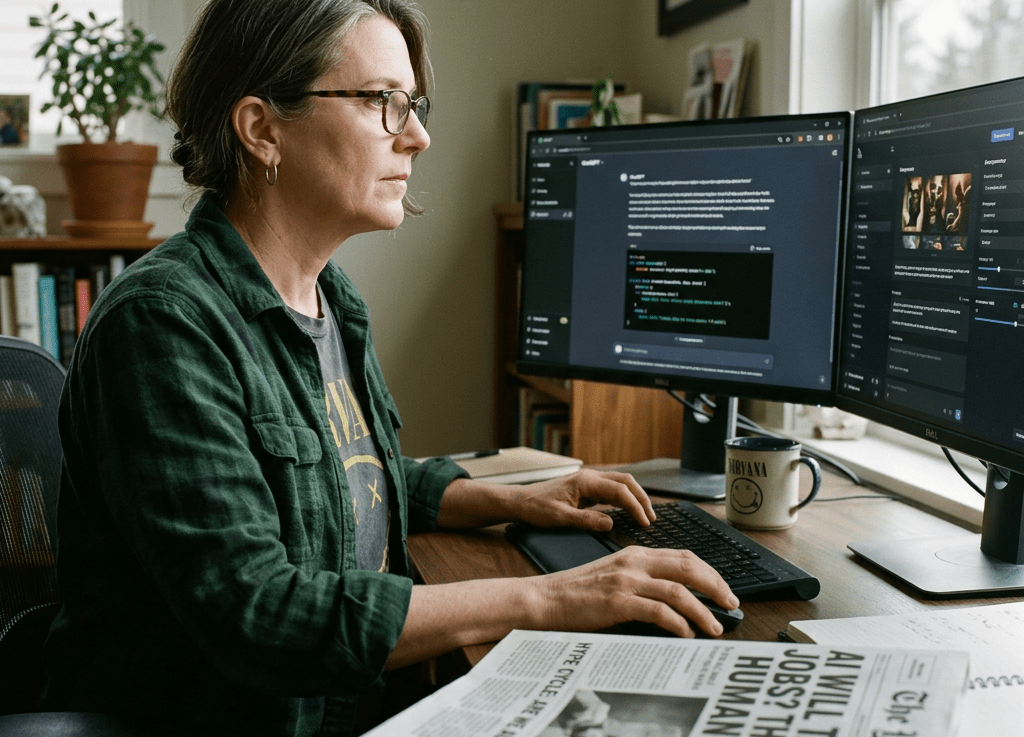
So let’s skip the breathless TED Talk energy. Here’s what GenX content creators are actually running day-to-day, and why we don’t particularly care what the hype cycle says about it.

The Filter We Use Before Adopting Any Tool

There’s a simple GenX adoption test before anything makes the list. Does it save real time on something I actually do? Can I figure it out without watching a 40-minute onboarding video? And is the free tier good enough that I don’t feel played?

Fail that test and it’s out. Simple as that.

1. Claude (Anthropic) – The One That Actually Reads Context

Most people still treat AI assistants like glorified autocomplete. Claude is different. It holds context across a long conversation without losing the thread, which matters a lot when you’re working through something complex rather than just asking it to write a tweet.

For GenX content creators, the use cases are drafting long-form content, refining arguments, and building out automation prompts. It doesn’t talk down to you. It pushes back when your idea has a hole in it. That’s genuinely rare.

The real unlock is the Projects feature. It stores your standing instructions, brand voice, and context permanently. You stop re-explaining yourself every session. For anyone running a content operation solo, it’s the closest thing to having a junior editor who’s always available and never needs managing.

2. Perplexity – Search That Doesn’t Waste Your Time

Google has turned into a slot machine of ads, SEO farms, and Reddit threads from 2019. Perplexity cuts through it. Ask a question, it searches the live web, and it gives you a cited answer in plain language. No ten blue links. No sponsored results front-loaded above everything useful.

For competitive research, fact-checking before publishing, and staying current without doomscrolling, it’s become the go-to. A 2025 HubSpot survey found that over 60% of marketers spend more than three hours a week on search-based research tasks. Perplexity puts a serious dent in that number.

The paid tier adds deeper research modes, but the free version handles 80% of daily lookup tasks. It’s the tool that quietly became indispensable because it just works.

3. Descript – Edit Audio and Video Like a Document

If you’ve been putting off podcasting or short-form video because the editing learning curve looked like a part-time job, Descript is the answer. You edit audio and video by editing the transcript. Delete a word on the page and it’s gone from the recording.

For podcast production, repurposing recorded interviews into clips, and removing filler words in bulk without touching a timeline, it’s a game changer. Productivity researchers consistently point to friction removal as the number one driver of tool adoption among mid-career professionals. Descript eliminates the biggest friction point in video production.

This is the tool that closes the gap between having ideas and actually publishing content.

4. Notion AI – Your Second Brain, Finally With a Brain

Notion has been a productivity favorite for years, but adding AI turned it from a fancy filing system into something that actively helps you think. Summarize meeting notes, pull out action items, draft from a rough outline that’s already sitting in your workspace.

For content calendars, client briefs, project documentation, and knowledge bases you can actually search instead of just stare at, it earns its place.

The key thing is that the AI works inside your data. It’s not a generic chatbot pulling from thin air. It knows what’s in your pages and uses it. That’s the difference between a tool and an actual system.

5. ElevenLabs – Voice That Doesn’t Sound Like a Robot Anymore

Text-to-speech used to be the audio equivalent of clip art. ElevenLabs changed that. You can generate voiceover in a cloned version of your own voice, or pick from a library of realistic voices that don’t sound like they’re reading a terms-of-service document out loud.

YouTube voiceover, podcast intros, accessibility versions of written content, narration for short-form video when you don’t want to be on camera. If you’re still recording every piece of audio manually while producing at any kind of volume, that’s the ROI conversation worth having.


The Download That Goes With This Post

If you’re building a content operation with AI tools, writing, publishing, repurposing, automating, we put the full framework in one place. Check out these free resources that help you navigate AI.


The Bottom Line

You don’t need all five of these. You need the two or three that match how you actually work and what you’re actually trying to accomplish. The GenX advantage here isn’t being early to anything. It’s being selective. We’ve watched enough tech cycles to know the difference between a tool and a trend.

These five passed the filter. The rest is noise.

The Creative Shift: What It’s Like Making Visuals with AI Today

The Creative Shift: What It’s Like Making Visuals with AI Today

In the last few years, artificial intelligence has quietly moved from the background of technology into the center of the creative process. What started as tools for data analysis and automation has evolved into something far more personal and expressive. Today, AI is helping artists, designers, marketers, and everyday creators bring visual ideas to life in ways that were simply not possible before.

I have seen this shift firsthand. As someone who actively builds and experiments with custom GPTs, I have created tools like an image creation agent and a sketch interpreter to support my own creative workflows. These systems are not about replacing creativity. They are about extending it, speeding up the rough drafts, and helping ideas take shape when words or sketches alone are not enough.


AI image and video generation sit at the heart of this creative transformation. They blend technical innovation with human imagination, reshaping how we think about art, design, and visual storytelling.

The Core Techniques Behind AI Image and Video Generation
To understand why AI-generated visuals have improved so rapidly, it helps to look at the techniques behind them. While the math and code can get complex, the core ideas are surprisingly intuitive.


Generative Adversarial Networks, commonly known as GANs, were a major breakthrough in visual AI. The concept is based on competition. One neural network, called the generator, creates images. Another, called the discriminator, judges whether those images look real or fake.

Over time, the generator learns from its mistakes. Each iteration produces better results until the images become difficult to distinguish from real photographs or artwork. This technique has been used to create digital art, enhance old photos, design fictional characters, and even simulate realistic environments for games and films.

What makes GANs especially interesting from a human perspective is how they mimic creative feedback. The generator improves not because it knows what beauty is, but because it is constantly being challenged and corrected. In many ways, it reflects how artists grow through critique and iteration.


Convolutional Neural Networks, or CNNs, are another foundational technology behind AI visuals. Unlike GANs, CNNs focus on understanding images rather than inventing them from scratch.

CNNs analyze visual data by recognizing patterns such as edges, textures, shapes, and motion. This makes them essential for tasks like image recognition, video frame analysis, style transfer, and video enhancement. In video generation, CNNs help models understand how frames relate to each other, allowing for smoother motion and more coherent sequences.

When combined with generative techniques, CNNs allow AI to not only create images but also understand context, structure, and visual consistency.


One reason AI image and video generation has spread so quickly is accessibility. What once required deep technical expertise is now available through user-friendly platforms that encourage experimentation.


One of the most well-known tools in this space is DALL·E, developed by OpenAI. It allows users to generate images simply by describing them in text. This removes a major barrier to visual creation. You no longer need advanced drawing skills or expensive software to explore visual ideas.

For creators like me, tools like DALL·E become brainstorming partners. They help visualize concepts early, spark new directions, and sometimes produce unexpected results that inspire better ideas.


Artbreeder focuses on image blending and evolution. Users can mix portraits, landscapes, and abstract art, adjusting sliders to explore variations. It feels less like issuing commands and more like collaborating with a living system.

This kind of tool highlights an important point. AI creativity is often at its best when it invites human guidance rather than replacing it.


Runway ML has become a favorite among video creators. It offers real-time video editing, background removal, motion tracking, and generative effects powered by machine learning. For filmmakers and content creators, it shortens production cycles and opens doors to techniques that once required entire teams.


DeepArt specializes in style transfer, allowing users to apply artistic styles inspired by famous painters to their own photos. While style transfer is not new, tools like this made it mainstream and approachable, helping people see their everyday images in a new light.


Despite the technical foundations, the most important element in AI-generated visuals is still human intention. AI does not wake up with an idea. It does not feel curiosity or emotion. Those come from the person guiding it.

When I built my custom GPTs, including an image creation agent and a sketch interpreter, my goal was simple. I wanted tools that could meet me halfway. The image creation agent helps translate abstract ideas into visuals quickly, while the sketch interpreter turns rough drawings into more refined concepts. Neither replaces my creative judgment. They simply accelerate the early stages of the process. This human in the loop approach is where AI shines. It removes friction while preserving authorship. AI image and video generation is already reshaping multiple industries, often in subtle but powerful ways.


Marketing teams use AI-generated visuals to prototype campaigns, test concepts, and personalize content at scale. Instead of relying solely on stock photos, brands can generate visuals tailored to specific audiences, moods, and messages. This reduces costs and increases creative flexibility.


In film, television, and gaming, AI assists with concept art, environment design, and even character animation. It speeds up pre-production and allows creative teams to explore more ideas before committing resources. In games, AI-generated assets help small studios compete with larger ones.


AI-generated visuals are especially valuable in education. Complex topics become easier to understand when supported by clear images and animations. From medical diagrams to historical reconstructions, AI helps educators create engaging materials without specialized design skills.


Designers use AI to explore patterns, textures, and forms that would take weeks to prototype manually. AI-generated concepts act as creative prompts rather than finished products, helping designers push boundaries while staying in control of the final outcome.


With new power comes new responsibility.
AI-generated visuals raise important questions about authorship, originality, and misuse. Deepfakes, misinformation, and copyright concerns are real issues that deserve attention.
The solution is not to reject the technology but to use it thoughtfully. Transparency, ethical guidelines, and respect for original creators must be part of the conversation. As creators, we set the tone for how these tools are used.


The future of AI image and video generation is not about machines replacing artists. It is about collaboration becoming more fluid. We will see tools that understand context better, respond more naturally to creative feedback, and integrate seamlessly into existing workflows.

Custom systems like the GPTs I build today are just the beginning. As models become more adaptable, creators will shape AI tools to fit their personal styles rather than adjusting their styles to fit the tools.


AI image and video generation represent one of the most exciting intersections of technology and creativity in our time. These tools are not magic, and they are not shortcuts to meaningful work. They are amplifiers. They amplify imagination, speed, and experimentation when guided by human vision. By embracing AI as a creative partner, not a replacement, we unlock new ways to tell stories, share ideas, and explore visual worlds. The future of visual creation is not automated. It is collaborative, expressive, and deeply human.
Finally: Google Search That Doesn’t Make You Open 12 Tabs

Finally: Google Search That Doesn’t Make You Open 12 Tabs

Google’s AI Search Just Changed Everything (And Here’s What You Need to Know)
Introduction
Okay, confession time: I’m slightly obsessed with how Google’s search has evolved lately. You know that moment when you’re frantically Googling something at 2 AM (don’t judge), and instead of the usual maze of blue links, you get this surprisingly helpful AI-generated summary right at the top?

That’s Google’s AI Overview feature doing its thing, and honestly? It’s been a game-changer for how I research everything from weekend recipes to work presentations. If you’ve been wondering what the heck these AI summaries are all about or how to actually use them effectively, you’re in the right place.

What Are Google’s AI Search Features?
Google has been integrating AI into search through several key features, most notably AI Overviews (formerly called Search Generative Experience or SGE during testing). Instead of always having to click through multiple links to piece together an answer, you sometimes get an instant summary powered by Google’s large language models.

These AI-powered summaries appear for certain types of queries where Google determines a synthesized answer would be helpful. The feature draws information from multiple sources across the web to provide comprehensive responses to complex questions.

When These AI Summaries Actually Show Up
The Good Stuff
I’ve noticed AI Overviews work particularly well for:

Complex how-to questions (like “how to remove red wine stains from different fabrics”)
Research topics that require multiple perspectives
Planning queries (“best family activities in Portland in winter”)
Technical explanations that benefit from synthesis
What Makes Them Useful
The summaries usually:

Pull from multiple credible sources (and actually show you which ones)
Break down complex topics into digestible chunks
Save you from opening 12 browser tabs just to answer one question
Give you jumping-off points for deeper research
The citations are clutch here – you can always click through to verify or dive deeper into any specific point.

How I Actually Use This Stuff (Real Talk)
For Work Research
Last week, I needed to understand the latest trends in remote work productivity tools. Instead of spending an hour collecting information from six different articles, Google’s AI Overview gave me a solid foundation in about 30 seconds. I still clicked through to the sources for the details I needed, but it was like having a research assistant do the initial legwork.

Personal Learning
When I was trying to figure out why my houseplants kept dying (RIP, fiddle leaf fig), the AI summary pulled together care tips from multiple gardening sources. It was way more comprehensive than any single article I would have found.

Trip Planning
The overviews are surprisingly good for travel research. Ask about “best neighborhoods to stay in Barcelona for first-time visitors” and you’ll get insights from travel blogs, local tourism sites, and review platforms all rolled into one coherent answer.

My Tips for Getting Better Results
Be Specific: “How to improve SEO” gets you generic advice. “How to improve SEO for local restaurants with limited budgets” gets you gold.

Ask Follow-ups: Google’s gotten better at remembering context, so you can drill down with questions like “What about for seasonal businesses?”

Use Them as Starting Points: Think of AI Overviews as the opening chapter, not the whole book. They’re fantastic for orientation but you’ll still want to dive into sources for the full story.

Don’t Overthink It: Honestly, just search like you normally would. When an AI overview appears and it’s helpful, great. When it doesn’t, you still have all the regular results.

The Reality Check Section
Let’s be honest about the limitations, because they’re real:

It’s Not Magic: Sometimes the AI summaries miss nuance or context that a human would catch. I’ve seen overviews that technically answered my question but missed the “why this actually matters” part.

Not Universal: You won’t see these for every search. Simple factual queries, news searches, and local business lookups usually stick to traditional results.

Trust But Verify: I always check the source links for anything important. The AI is great at synthesis, but it’s not infallible.

Still Evolving: Google is constantly tweaking when and how these appear. What works today might behave differently next month.

What’s Next?
Google’s clearly not done here. I expect we’ll see these AI summaries become more sophisticated and appear for a wider range of queries. They’re probably working on better multimodal integration too – imagine being able to upload an image and get AI insights about it right in search results.

The key thing to remember is that this is all still pretty new territory. Google’s being (relatively) cautious about rollout, which honestly seems smart given how much we all rely on search.

Bottom Line
Look, Google’s AI search features aren’t going to solve all your research problems overnight. But they’re genuinely useful when they work well, and they’re getting better.

My advice? Don’t overthink it. Use search like you always have, take advantage of the AI summaries when they’re helpful, and always keep that healthy skepticism about any information you find online – AI-generated or otherwise.

Have you noticed these AI overviews in your own searches? I’m curious what you think of them. Are they actually saving you time, or do you find yourself ignoring them and scrolling straight to the regular results?